Small files.
Large prints.
No blur.
Krixel upscales image resolution and prepares files for large-format print — banners, vinyls, posters, billboards. Output in PDF, CMYK, exact dimensions and DPI.

Looks fine on screen. On the vinyl — not.
The client sends a 1000-pixel image and wants it on a 4-metre banner. Stretched out, it comes out blurry and pixelated. Increasingly, files arrive AI-generated: low resolution, strange details, wrong proportions. Fine on screen, not for print.
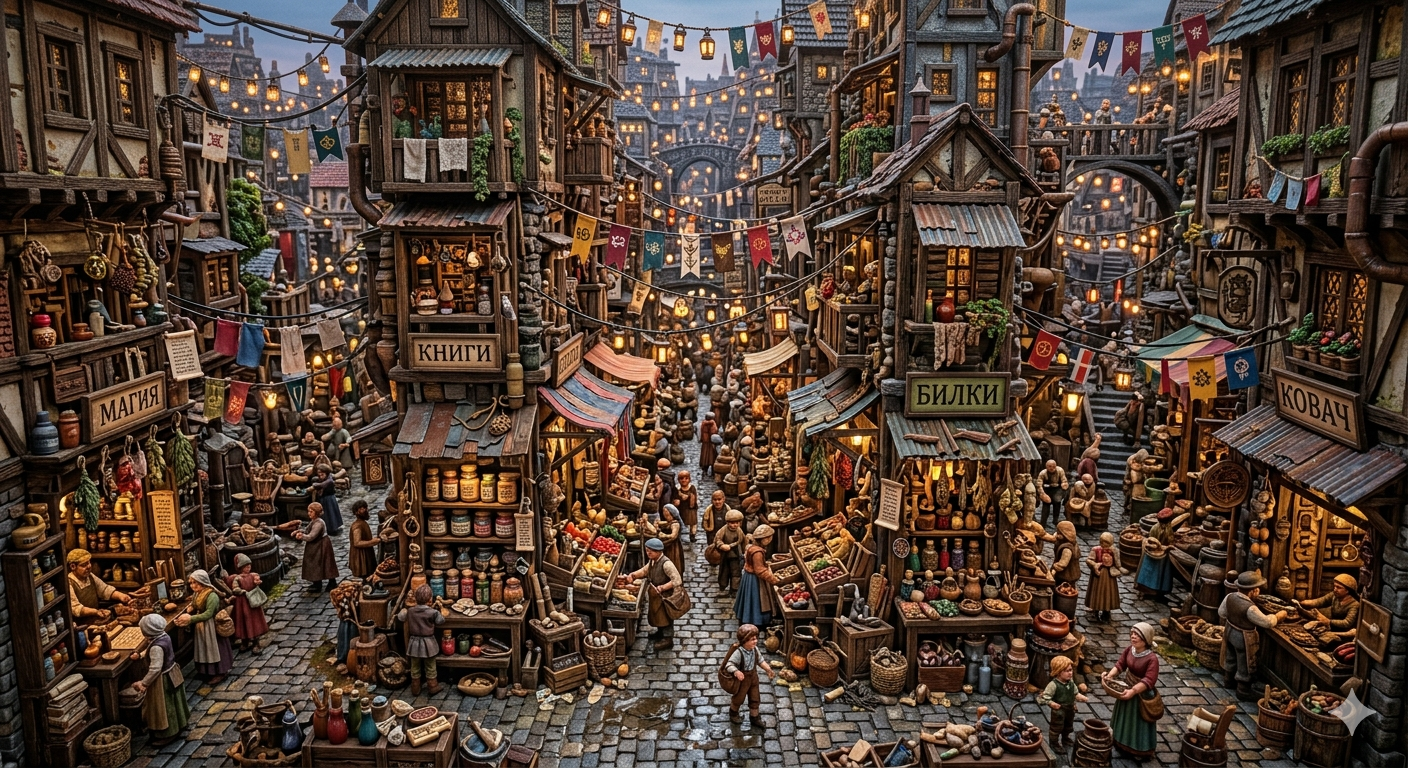
Drag to compare. Same image — a raw AI export vs. a Krixel print file.
How it works
01 / 04
Load the image
Drop in a JPG, PNG or PDF — any resolution, even a screenshot from a phone. Krixel reads the original pixels without conversion or compression.
Set the print size
Enter the final dimensions in centimetres or metres. Choose the media — vinyl, mesh, canvas, banner, poster. Krixel calculates the exact DPI target automatically.
AI upscaling + cleanup
The AI model reconstructs real detail at the target resolution. JPEG artefacts, noise and compression rings are removed. The result is a clean, sharp file ready for the RIP.
Export print-ready PDF
One click exports a CMYK PDF with exact physical dimensions, 3 mm bleed, and the correct colour profile for wide-format print. Send straight to the printer — no Photoshop needed.
Built by a sign shop, for sign shops.
Krixel was made by ACE TM — a signage and facade company — to prep its own large-format prints. It's the tool on our own production floor, not a lab demo.
Made by70+
large-format projects by ACE TM
100%
offline — files never leave your machine
0
subscriptions — pay once, keep it
One-time price. Yours to keep.
No subscription. Activate on your machines and print.